Have you ever handed your phone to someone and worried they might open your photo gallery or discover files you would rather keep private? Personal pictures, private videos and sensitive documents can sometimes be exposed when friends or family members use your device. A regular screen lock does not prevent someone with access to your unlocked phone from opening other applications. The HideU Mod APK offers a different approach.
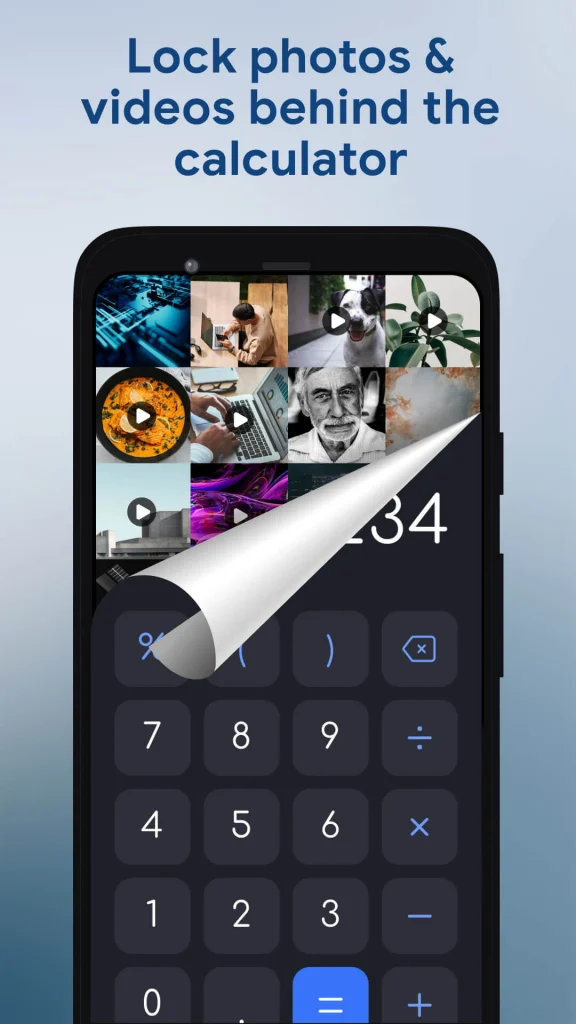
It disguises a private storage space as an ordinary calculator, allowing users to keep selected media away from their regular gallery. Instead of displaying an obvious photo vault icon, the application provides access through a calculator interface protected by a PIN.
Why Does HideU Look Like an Ordinary Calculator?
The most interesting feature of HideU is its calculator disguise. At first glance, the application looks like a standard calculator that can perform everyday mathematical operations. However, entering the correct password and pressing the equals button opens its hidden private space.
This design provides an additional layer of discretion. Someone browsing through the applications installed on your phone may see what appears to be a normal calculator rather than an application designed to store private media.
The hidden area requires a digital PIN for access. This makes the application useful for people who share their phones occasionally or simply prefer keeping personal content separate from everyday files.
However, a disguised icon should not be confused with complete protection. Someone who knows about calculator vault applications may recognize the interface.
What Can You Keep Inside HideU?
HideU is not limited to hiding photographs. It includes several tools designed to manage personal content from one location.
Private Photo and Video Storage
The main purpose of the application is to move selected photographs and videos into a protected space. According to its Google Play description, hidden media no longer appears in the regular photo gallery, albums or file manager.
This can be useful for keeping personal photographs away from casual browsing. For instance, someone who regularly shares vacation pictures with friends might prefer storing certain images separately rather than keeping everything together in the default gallery.
The built-in photo viewer also allows users to view and make basic edits to stored images. Available editing options include cropping, filters and text adjustments.
Built-In Video Player
Users can watch their stored videos directly within the application without moving them back to the phone’s regular gallery. The video player includes controls for adjusting brightness and sound. A quick mute option is also available, which can be useful when watching something in a shared environment.
Keeping playback inside the vault reduces the need to repeatedly export private videos to other applications.
Private Browser
HideU also offers a private browsing feature for users who want to keep certain browsing activities separate from their regular browser.
This feature may suit people who prefer not to mix personal browsing sessions with their everyday internet activity. However, a private browser should not automatically be considered anonymous. It does not guarantee protection against websites, internet providers or other forms of online tracking.
App Lock
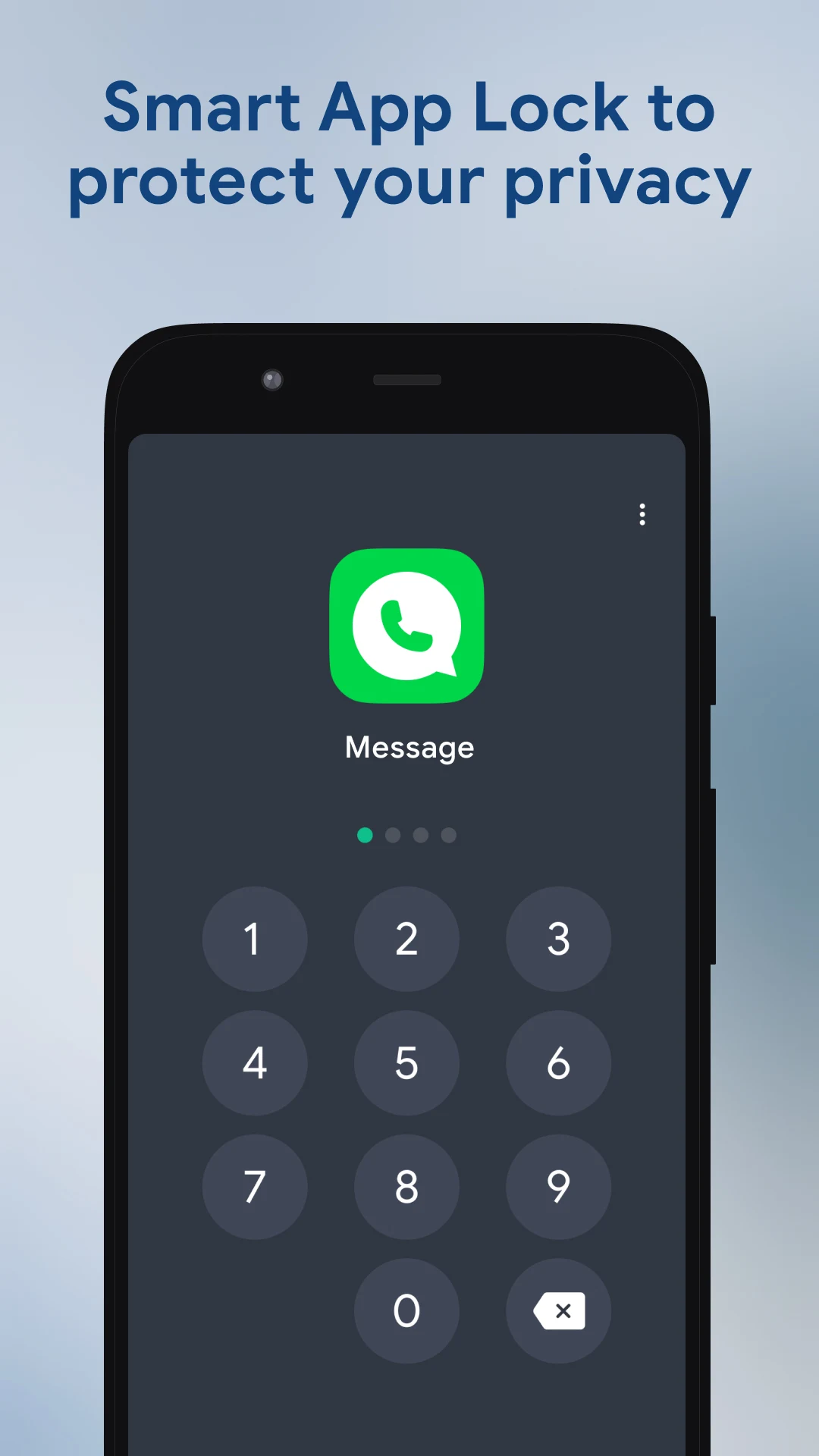
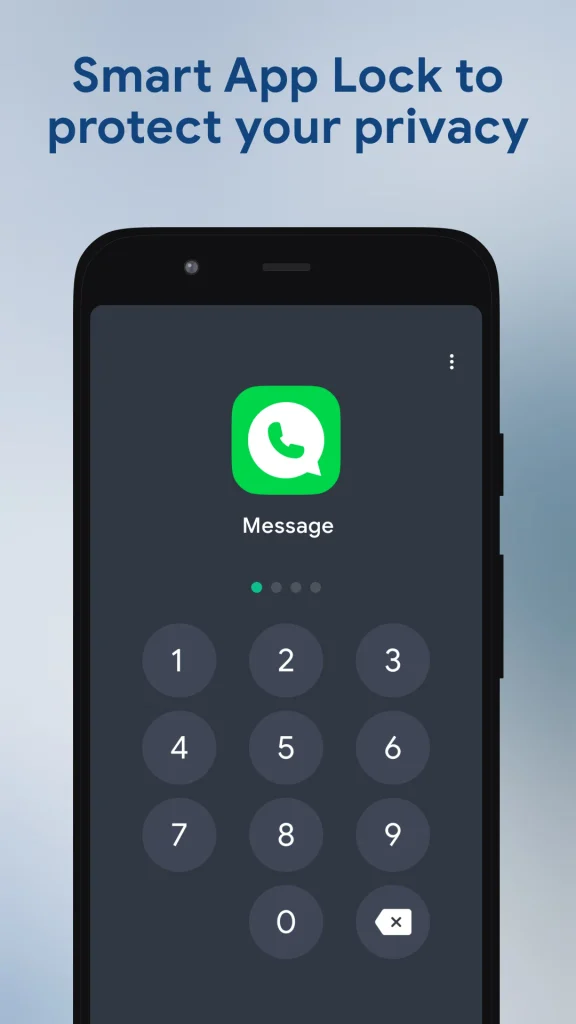
The app-lock feature provides another way to restrict access to selected applications. Depending on the available settings, users can protect supported apps with a password or unlock pattern.
This is particularly useful when someone borrows your phone to make a call, check a message or use another application. Rather than relying entirely on your phone’s main screen lock, you can add restrictions to individual apps.
How Do You Open the Hidden Calculator Vault?
Getting into the private storage area is relatively straightforward once the initial setup is complete. Follow these general steps:
- Install HideU from its official Google Play listing.
- Open the application and follow the initial setup instructions.
- Create your preferred digital PIN.
- Remember the PIN and complete any requested recovery or security setup.
- Open the calculator interface when you want to access your private space.
- Enter your password and press the equals button.
After successful verification, the hidden area should become accessible.
The application also provides a published password-recovery procedure. Its Google Play listing describes entering a designated recovery sequence followed by the equals button before verifying the security question. Users should review the current instructions within the application before relying on this method.
Is HideU Safe for Storing Personal Files?
This is probably the most important question to consider before installing any calculator vault application. HideU provides PIN-protected access and keeps selected media separate from the normal gallery. However, these features do not automatically establish that every stored file is protected by strong encryption.
Its Google Play Data Safety information currently indicates that the developer reports certain data collection and sharing practices and lists data as not encrypted. Privacy practices can change, so users should review the latest information before storing sensitive material. There are also some practical precautions worth following:
- Create backups: Do not rely on a single application to preserve important photographs or videos.
- Avoid deleting application data: Clearing storage or uninstalling HideU can permanently remove files stored inside it.
- Choose a private PIN: Avoid predictable combinations such as birthdays or repeated numbers.
- Review permissions: Check which device permissions the application requests and whether they are necessary for the features you use.
- Check recovery options: Understand how account or PIN recovery works before moving important files into the vault.
The developer specifically warns users not to uninstall the application, clear its data or delete its generated folders before backing up personal files through the available cloud service. You can also download Vmake Mod APK.
What Are the Limitations of HideU?
Although the calculator disguise is useful, HideU has some limitations that potential users should understand.
First, the application contains advertisements and offers in-app purchases. Advertising can interrupt the experience, particularly when accessing private content. Some Google Play reviewers have also reported problems involving advertisements and loading screens. These reports do not establish that every user will experience the same issues, but they are worth considering.
Second, the calculator appearance is not a substitute for device-level security. Someone who can access your phone, application settings or stored files may still present a privacy risk.
Third, depending on the backup arrangements, losing application data could mean losing access to stored media. This makes independent backups especially important.
For highly confidential documents or sensitive personal information, users should consider a storage solution with clearly documented encryption and recovery protections.
Who Should Consider Using HideU?
HideU may be suitable for Android users who want a discreet place to store personal photographs and videos without displaying them in their regular gallery.
It can also appeal to people who share their devices occasionally, prefer a separate media space or want additional restrictions around selected applications.
However, users who need advanced data security, dependable enterprise-grade protection or extensive file-management controls should evaluate other options before choosing a calculator vault.
Is HideU: Calculator Lock App Worth Considering?
The HideU Mod APK combines a disguised calculator interface with private photo storage, video playback, app locking and additional privacy tools. Its main appeal is convenience: users can access a separate media space without displaying an obvious vault application on their home screen.
Before installing it, consider the difference between hiding files and securing them against sophisticated access. Review the privacy disclosures, understand the backup process and never keep the only copy of an important photograph inside a single vault.
For everyday media organization and protection against casual viewing, HideU offers several useful features. For information that requires stronger confidentiality, choosing a solution with verified encryption and reliable backup controls is the more sensible decision.


